
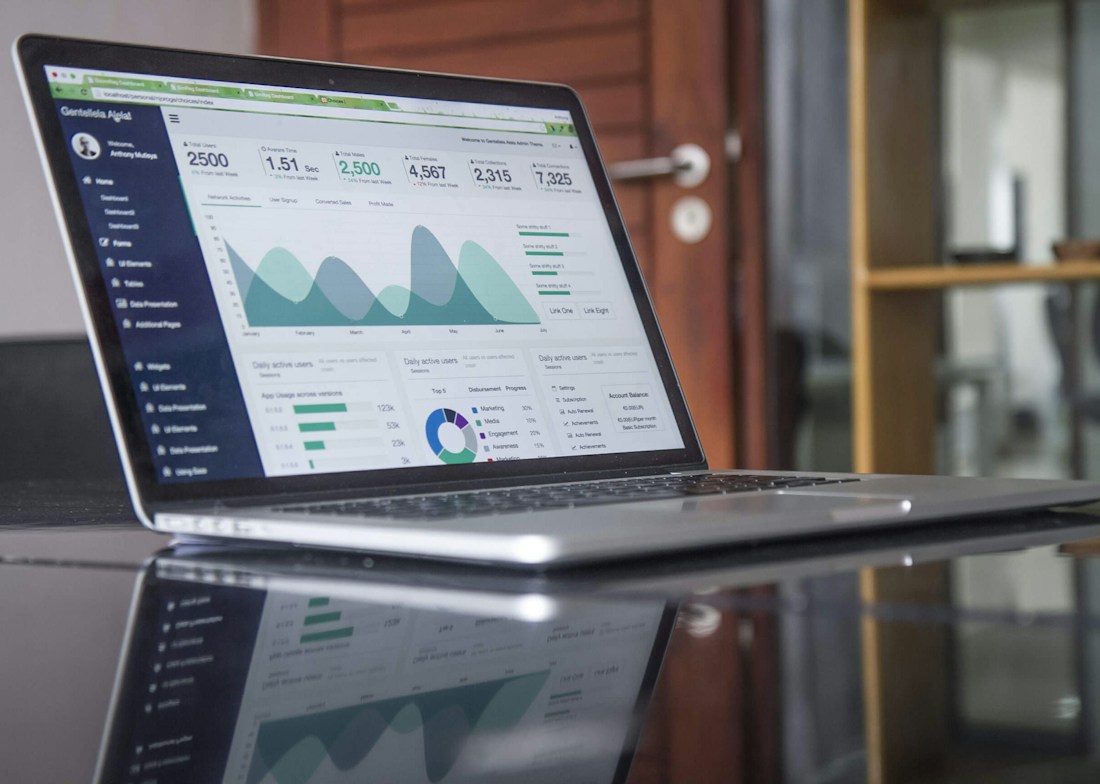
One AI answer is a snapshot. A useful measurement process records a consistent set of questions over time and distinguishes being mentioned from being cited, visited, and chosen.
Four layers of evidence
- Brand mention: your brand appears in the response.
- Citation: a specific page from your site is linked as a source.
- Referral: someone reaches the site from an identifiable AI source.
- Outcome: that visit produces a meaningful action, such as an inquiry or purchase.
Each layer needs different data. Mentions and citations come from sampling AI answers. Referrals come from analytics. Outcomes come from your conversion tracking or CRM. Mixing them up leads to false conclusions, such as assuming that more citations automatically mean more customers.
Build a small, relevant question set
Choose 20–50 questions that reflect real customer decisions: discovering a category, comparing alternatives, and solving a specific problem. Include a few branded questions (“Is [your brand] good for…”) and many unbranded ones, because unbranded questions show whether AI recommends you when nobody names you.
Document the exact wording and the intended audience. Start with a set small enough that you will review every answer.
Record the conditions
AI answers vary by platform, model, mode, location, language, account history, and even between two identical runs. For every observation, note the platform, date, question, search mode, and any known location or account context. Run each question more than once when you can, and keep a copy of the answer so a change can be reviewed later.
| Question | Platform | Date | Mentioned? | Cited URL | Position | Competitors named |
|---|---|---|---|---|---|---|
| Best booking software for a small physio clinic | ChatGPT (search on) | 2026-11-11 | Yes | /physio-booking | 2 of 4 | Brand A, Brand B |
| Same question | Perplexity | 2026-11-11 | No | — | — | Brand A, Brand C |
Illustrative example of a tracking sheet.
Define a metric before comparing results, for example the share of recorded answers that mention your brand, or the share that cite one of your URLs. That number describes your sampled questions, not the entire market. Track competitors in the same observations so you can see share of voice as well as your own presence.
Manual tracking works for a few dozen questions. Beyond that, open-source trackers can run prompts on a schedule and store the results; see the visibility trackers in our toolkit list.
Track AI referral traffic
Since May 2026, Google Analytics 4 includes an AI Assistant channel in its default channel group. When a session’s referrer matches a recognized assistant such as ChatGPT, Gemini, Claude, or Copilot, GA4 assigns the medium ai-assistant and groups it under that channel. Google notes that the channel excludes AI Overviews and AI Mode, whose clicks are reported as Google organic search.
Some AI traffic still arrives without a referrer and lands in Direct or Unassigned. ChatGPT adds utm_source=chatgpt.com to many of its outbound links, which helps, but tagging has changed more than once. Practical steps:
- Check Reports → Acquisition → Traffic acquisition for the AI Assistant row, then break it down by session source.
- Also filter session source for
chatgpt.com,perplexity.ai,claude.ai,gemini.google.com, andcopilot.microsoft.comacross all channels, since some sessions may still sit in Referral or Unassigned. - Look at landing pages: AI referrals often land on deep pages, comparison pages, or the homepage after a brand recommendation.
- Compare engagement and conversions for AI traffic with organic search, page by page.
Use the platform data that exists
First-party data on AI visibility is still limited, but it is growing:
- Google Search Console includes clicks and impressions from AI Overviews and AI Mode in the Performance report under the Web search type. They are not separated from regular results.
- Bing Webmaster Tools has an AI Performance report (public preview since February 2026) showing citations of your pages in Microsoft Copilot, AI-generated summaries in Bing, and select partners, including the grounding queries behind them. It shows citations, not clicks.
- Server logs show which pages AI crawlers request and whether they get successful responses. This is a leading indicator for pages that cannot be cited because they are never fetched.

Turn trends into investigations
If mentions increase but citations do not, inspect which sources are being cited instead (often review sites, directories, or forums). If citations generate few visits, check the question’s intent and the role your page plays in the answer. If a competitor appears consistently, read the page that gets cited and compare it with yours. Treat these patterns as starting points for investigation; none of them explains a change on its own.
Create a sheet with columns for question, platform, date, brand mention, cited URL, competitors, and notes. Collect a baseline before changing your content, then repeat the same process monthly and compare it with your AI Assistant traffic in GA4.
Read the primary sources
- Google Analytics: default channel groups
- Bing: AI Performance in Bing Webmaster Tools
- Google: AI features and your website
- OpenAI: guidance for publishers
This is a proposed measurement workflow, not a claim about any platform’s ranking formula.

Liam Roy has spent seven years on SEO projects for ecommerce, SaaS, and crypto sites. Once Google started showing AI Overviews and people began asking ChatGPT for recommendations, he fell for this kind of optimization. He has followed AI search updates and the development of the language models behind them from day one, and he writes everything on AEO Signals.
[email protected]